Apache Flink Streaming in HGrid247-3.5
Apache Flink is anopen-source distributed stream processingdesigned forreal-time (streaming)andbatch processing.Flink is widely used for:
- real-time analytics
- event processing
- streaming ETL
- machine learning pipelines
Apache Flink Architecture
Flink's basic architecture consists of several main components.
    Client
       ↓
    Job Manager
       ↓
    Task Manager
       ↓
    Parallel Tasks
Explanation:
    Component       Function
    -------------------------------------
    Client          where users submit jobs
    JobManager      manage job execution
    TaskManager     run task
    Slots           parallel execution unit
Stream Processing
Flink is very powerful in stream processing .Data is processed continuously:
    Event Stream
          ↓
    Stream Operator
          ↓
    Window Processing
          ↓
    Output
Use case Example:
- fraud detection
- monitoring system
- log processing
- IoT data analytics
Good in HGrid247
In HGrid247-3.5 , workflows created in the GUI can be compiled into Apache Flink Streaming programs .The output is usually a file:
workshop_sflink.jar
Running Flink Job
To run a Flink job use the following command:
flink run [options] [app arguments]
Parameter:
    Parameter           Meaning
    -------------------------------------------
    flink run           command to run Flink job
    options             cluster configuration
    app arguments	parameter input/output
Example Running Flink Job (Local)
Example of running a Flink job generated by HGrid247:
flink run -c workshop.Lab01 workshop_sflink.jar --input file:///user01/data/input/ --output file:///user01/data/output
Explanation:
    Parameter               Description
    -c workshop.Lab01       main class
    workshop_flink.jar      Flink app
    --input                 data input location
    --output                data output location
Running Flink on YARN Cluster
If using Apache Hadoop YARN , Flink jobs can be run on a cluster.Command:
flink run -c workshop.Lab01 -m yarn-cluster -j /user01/workshop_sflink.jar --input hdfs:///user/user01/data/input --output hdfs:///user/user01/output
Parameter explanation:
    Parameter               Meaning
    -------------------------------------------------
    -c workshop.Lab01       main class
    -m yarn-cluster         running on a YARN cluster
    -j                      JAR file location
    --input                 input on HDFS
    --output                output pada HDFS
Apache Flink Features
Some of Flink's key features:True Streaming Engine
Flink processes data as native streams , not micro-batches.Low Latency
Very low latency for real-time applications.Exactly-Once Processing
Flink menjamin exactly-once semantics.Stateful Processing
Flink supports stateful stream processing .List of Flink options
-c,--class <classname> Class with the program entry point
("main()" method). Only needed if the
JAR file does not specify the class in
its manifest.
-C,--classpath <url> Adds a URL to each user code
classloader on all nodes in the
cluster. The paths must specify a
protocol (e.g. file://) and be
accessible on all nodes (e.g. by means
of a NFS share). You can use this
option multiple times for specifying
more than one URL. The protocol must
be supported by the {@link
java.net.URLClassLoader}.
-d,--detached If present, runs the job in detached
mode
-n,--allowNonRestoredState Allow to skip savepoint state that
cannot be restored. You need to allow
this if you removed an operator from
your program that was part of the
program when the savepoint was
triggered.
-p,--parallelism <parallelism> The parallelism with which to run the
program. Optional flag to override the
default value specified in the
configuration.
-py,--python <pythonFile> Python script with the program entry
point. The dependent resources can be
configured with the `--pyFiles`
option.
-pyarch,--pyArchives <arg> Add python archive files for job. The
archive files will be extracted to the
working directory of python UDF
worker. Currently only zip-format is
supported. For each archive file, a
target directory be specified. If the
target directory name is specified,
the archive file will be extracted to
a name can directory with the
specified name. Otherwise, the archive
file will be extracted to a directory
with the same name of the archive
file. The files uploaded via this
option are accessible via relative
path. '#' could be used as the
separator of the archive file path and
the target directory name. Comma (',')
could be used as the separator to
specify multiple archive files. This
option can be used to upload the
virtual environment, the data files
used in Python UDF (e.g.: --pyArchives
file:///tmp/py37.zip,file:///tmp/data.
zip#data --pyExecutable
py37.zip/py37/bin/python). The data
files could be accessed in Python UDF,
e.g.: f = open('data/data.txt', 'r').
-pyexec,--pyExecutable <arg> Specify the path of the python
interpreter used to execute the python
UDF worker (e.g.: --pyExecutable
/usr/local/bin/python3). The python
UDF worker depends on a specified Python
version 3.5, 3.6 3.7 or 3.8, Apache Beam
(version == 2.23.0), Pip (version >= 7.1.0)
and SetupTools (version >= 37.0.0).
Please ensure that the specified environment
meets the above requirements.
-pyfs,--pyFiles <pythonFiles> Attach custom python files for job.
These files will be added to the
PYTHONPATH of both the local client
and the remote python UDF worker. The
standard python resource file suffixes
such as .py/.egg/.zip or directory are
all supported. Comma (',') could be
used as the separator to specify
multiple files (e.g.: --pyFiles
file:///tmp/myresource.zip,hdfs:///$na
menode_address/myresource2.zip).
-pym,--pyModule <pythonModule> Python module with the program entry
point. This option must be used in
conjunction with `--pyFiles`.
-pyreq,--pyRequirements <arg> Specify a requirements.txt file which
defines the third-party dependencies.
These dependencies will be installed
and added to the PYTHONPATH of the
python UDF worker. A directory which
contains the installation packages of
these dependencies could be specified
optionally. Use '#' as the separator
if the optional parameter exists
(e.g.: --pyRequirements
file:///tmp/requirements.txt#file:///t
mp/cached_dir).
-s,--fromSavepoint <savepointPath> Path to a savepoint to restore the job
from (for example
hdfs:///flink/savepoint-1537).
-sae,--shutdownOnAttachedExit If the job is submitted in attached
mode, perform a best-effort cluster
shutdown when the CLI is terminated
abruptly, e.g., in response to a user
interrupt, such as typing Ctrl + C.
Options for Generic CLI mode:
-D <property=value> Generic configuration options for
execution/deployment and for the configured executor.
The available options can be found at
https://ci.apache.org/projects/flink/flink-docs-stabl
e/deployment/config.html
-e,--executor <arg> DEPRECATED: Please use the -t option instead which is
also available with the "Application Mode".
The name of the executor to be used for executing the
given job, which is equivalent to the
"execution.target" config option. The currently
available executors are: "remote", "local",
"kubernetes-session", "yarn-per-job", "yarn-session".
-t,--target <arg> The deployment target for the given application,
which is equivalent to the "execution.target" config
option. The currently available targets are:
"remote", "local", "kubernetes-session",
"yarn-per-job", "yarn-session", "yarn-application"
and "kubernetes-application".
Options for yarn-cluster mode:
-d,--detached If present, runs the job in detached
mode
-m,--jobmanager <arg> Set to yarn-cluster to use YARN
execution mode.
-yat,--yarnapplicationType <arg> Set a custom application type for the
application on YARN
-yD <property=value> use value for given property
-yd,--yarndetached If present, runs the job in detached
mode (deprecated; use non-YARN
specific option instead)
-yh,--yarnhelp Help for the Yarn session CLI.
-yid,--yarnapplicationId <arg> Attach to running YARN session
-yj,--yarnjar <arg> Path to Flink jar file
-yjm,--yarnjobManagerMemory <arg> Memory for JobManager Container with
optional unit (default: MB)
-ynl,--yarnnodeLabel <arg> Specify YARN node label for the YARN
application
-ynm,--yarnname <arg> Set a custom name for the application
on YARN
-yq,--yarnquery Display available YARN resources
(memory, cores)
-yqu,--yarnqueue <arg> Specify YARN queue.
-ys,--yarnslots <arg> Number of slots per TaskManager
-yt,--yarnship <arg> Ship files in the specified directory
(t for transfer)
-ytm,--yarntaskManagerMemory <arg> Memory per TaskManager Container with
optional unit (default: MB)
-yz,--yarnzookeeperNamespace <arg> Namespace to create the Zookeeper
sub-paths for high availability mode
-z,--zookeeperNamespace <arg> Namespace to create the Zookeeper
sub-paths for high availability mode
Options for default mode:
-m,--jobmanager <arg> Address of the JobManager to which to
connect. Use this flag to connect to a
different JobManager than the one specified
in the configuration. Attention: This
option is respected only if the
high-availability configuration is NONE.
-z,--zookeeperNamespace <arg> Namespace to create the Zookeeper sub-paths
for high availability mode
Installing Flink 1.12.7 on Windows
-
Download and Install cygwin
-
Download file flink-1.12.7-bin-scala_2.11.tgz.
-
put file flink-1.12.7-bin-scala_2.11.tgz, in cygwin folder (example : D:\cygwin64\usr\src)
- Run cygwin as Administrator.
-
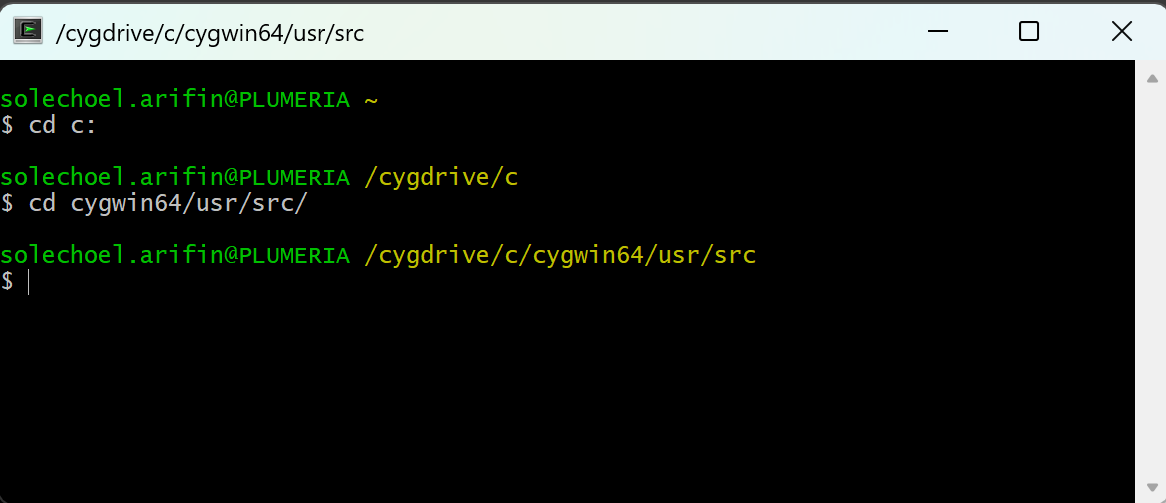
Change to directory D:\cygwin64\usr\src
-
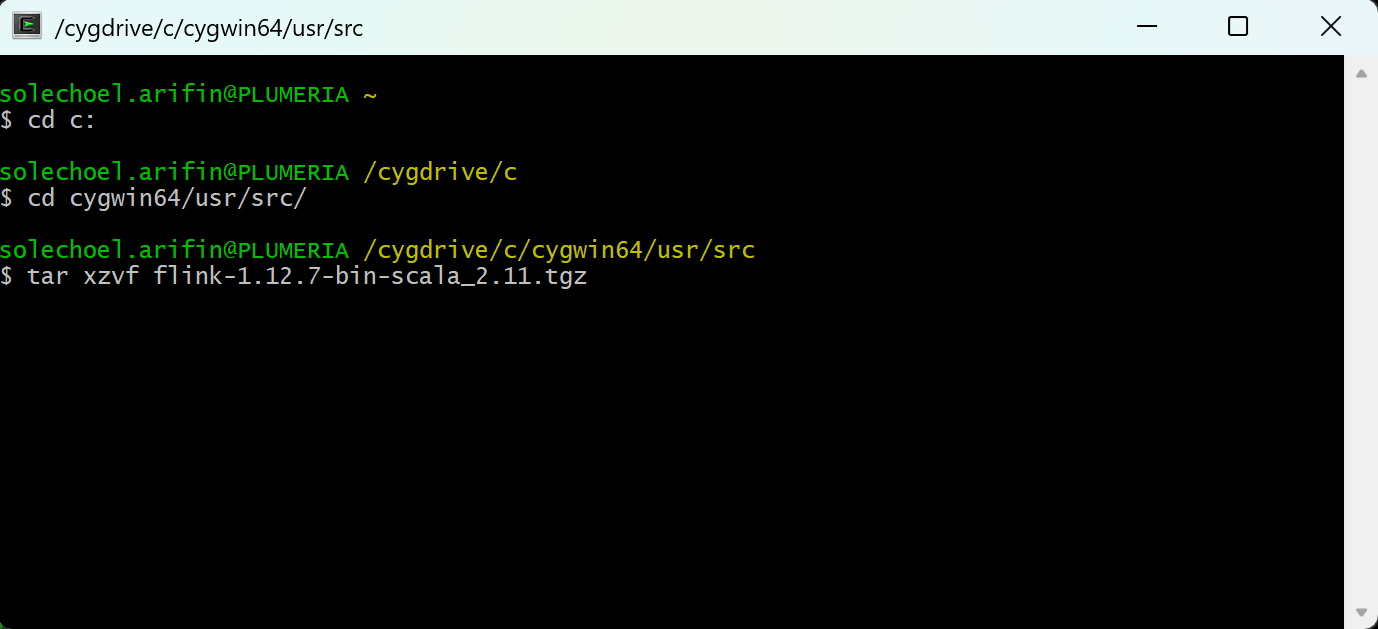
Extract file flink-1.12.7-bin-scala_2.11.tgz via cygwin using command : tar xzvf flink-1.12.7-bin-scala_2.11.tgz .
-
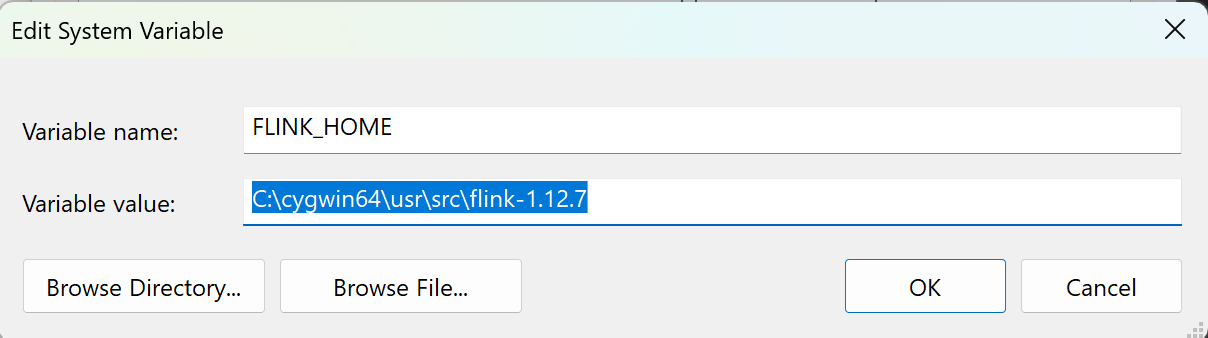
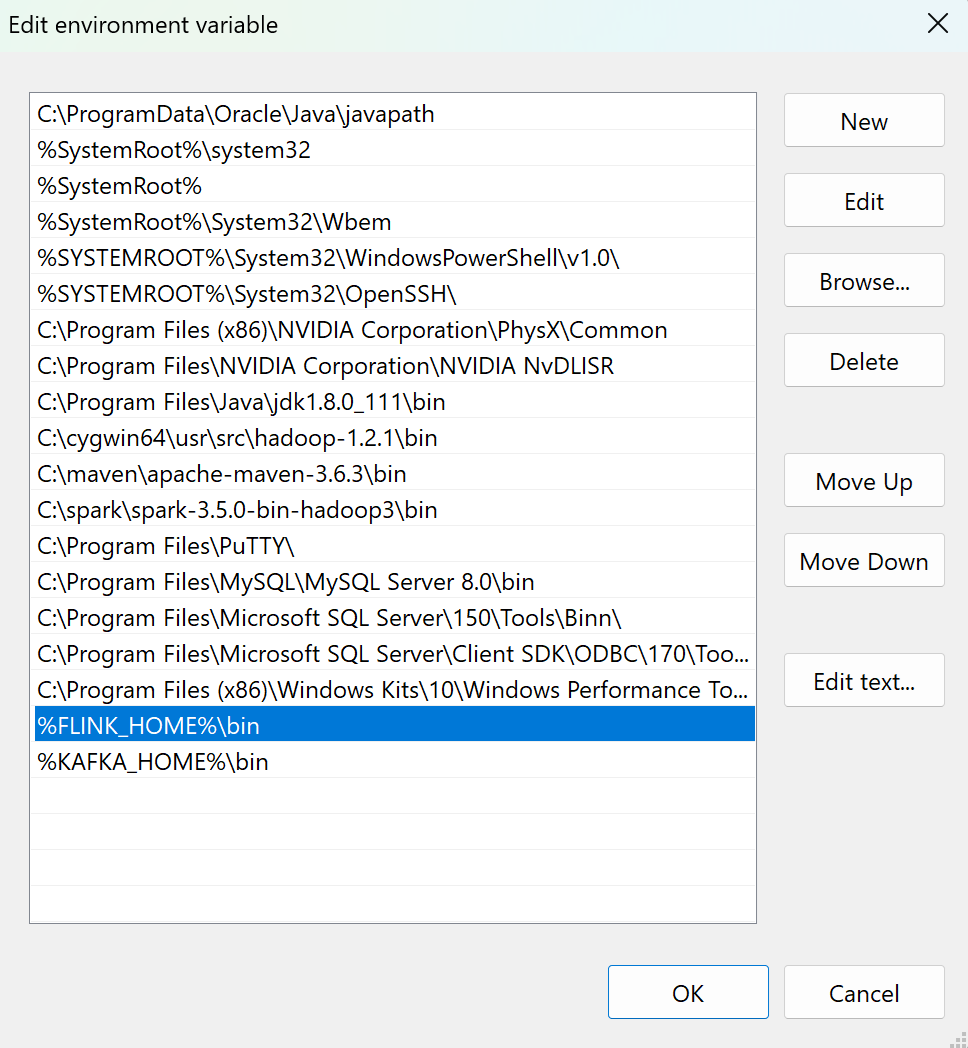
Add Enviroment variable :
Variable Name : FLINK_HOME
Variable Value :D:\cygwin64\usr\src\flink-1.12.7
-
Add D:\cygwin64\usr\src\flink-1.11.0\bin to the path variable.
-
Cygwin settings to deal with the correct line endings. To avoid error
line 30: $'\r': command not found
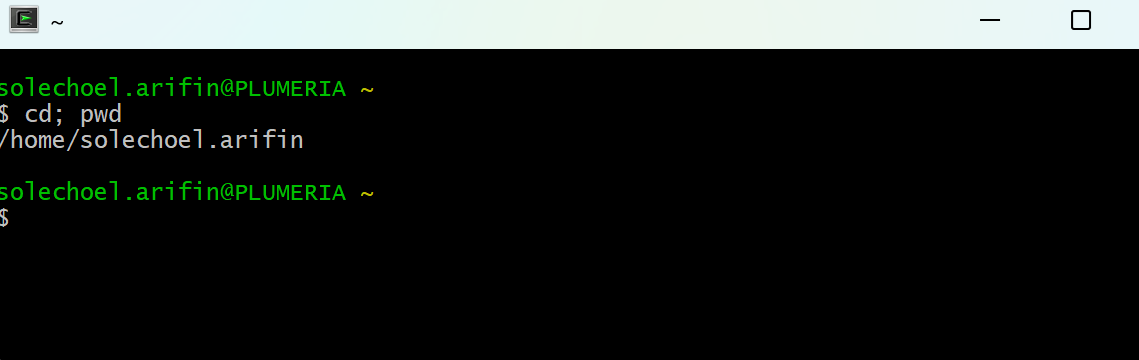
when run cluster started.- Determine your home directory by entering
cd; pwd
-
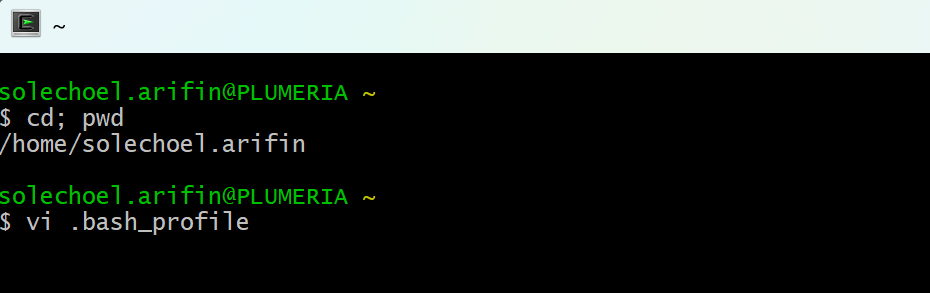
Using vi text editor open the file .bash_profile in the home directory and append the following: (If the file does not exist you will have to create it)
export SHELLOPTS
set -o igncr
- Determine your home directory by entering
- Close Cygwin and Run again as admininistrator
- Start flink-cluster :
From cygwin , run start-cluster.sh
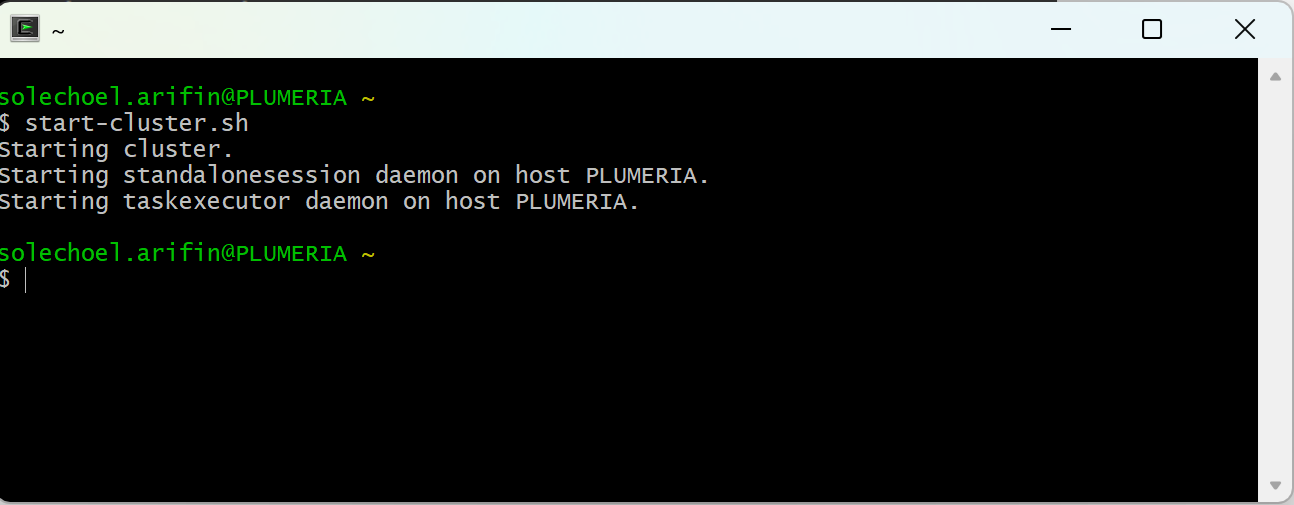
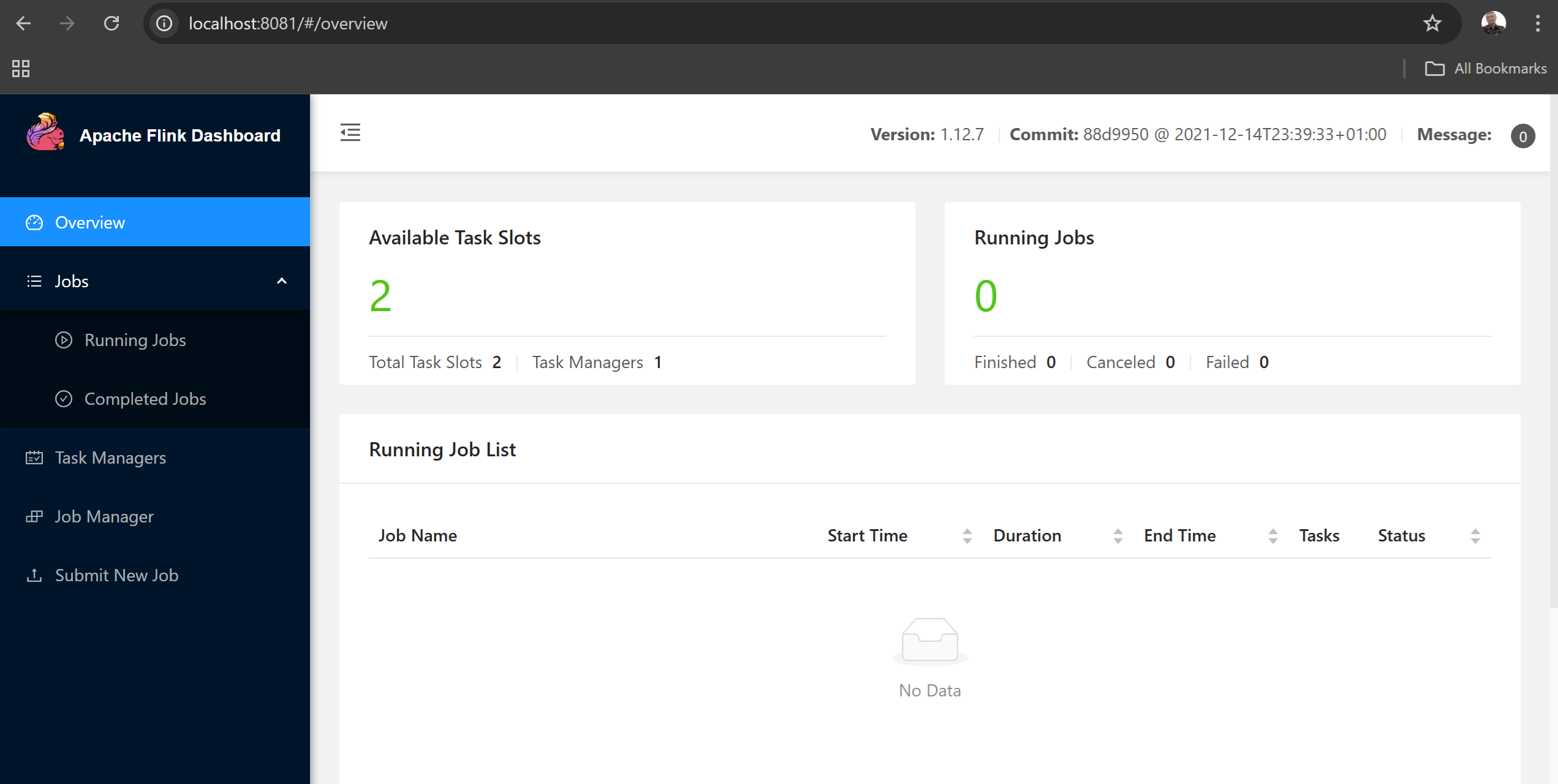
flink job monitoring will be available on port 8081 - Check whether flink is already started properly or not. Using web browser , go site localhost:8081.
If flink is already started properly, the following page will appear
-
Stop flink-cluster :
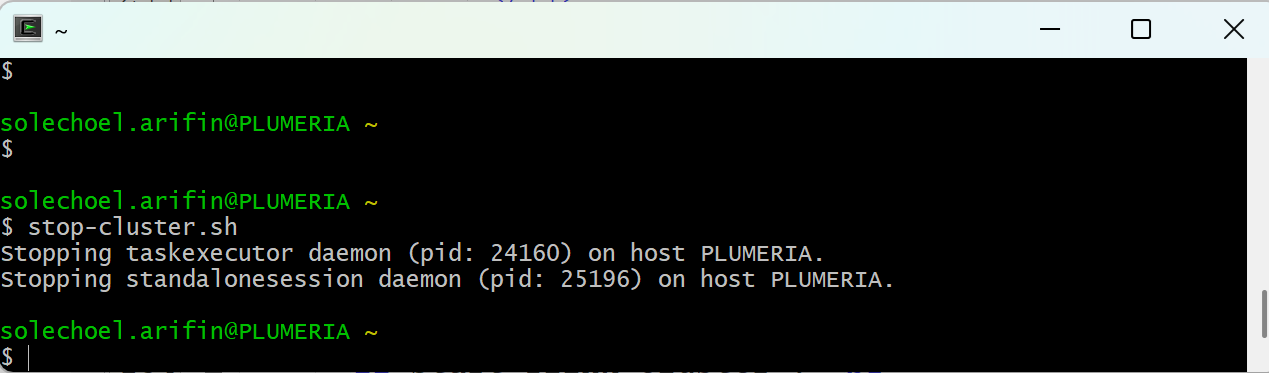
To stop flink cluster from cygwin run stop_cluster.sh