|
|
Running HGrid247-3.5 |
▶️ Running HGrid247-3.5
The HGrid247 application can be run on Windows or Linux , as long as the Java environment is configured correctly (JAVA_HOME & PATH).🖥️ I. Running on Windows
There are two ways:🔹 Method 1 (Easiest)
Double click file:hgrid247.cmd📌 This script automatically runs the application using the available Java configuration.🔹 Method 2 (Via Command Prompt)
Open Command Prompt
Go to the installation folder, for example:cd D:\247BigDataTools\HGrid247-3.5Run the command:"%JAVA_HOME%\bin\java" -jar HGrid247-3.5.jar📌 This method is useful if:
- want to debug
- ensure that the Java used is appropriate
🐧 II. Running on Linux
🔹 StepsEnter the directory:cd /home/root/HGrid247-3.5Run the script:./hgrid247.sh🔹 If Permission is Denied
Grant execution permission:chmod +x hgrid247.shThen run it again:./hgrid247.sh✅ Success Indicator
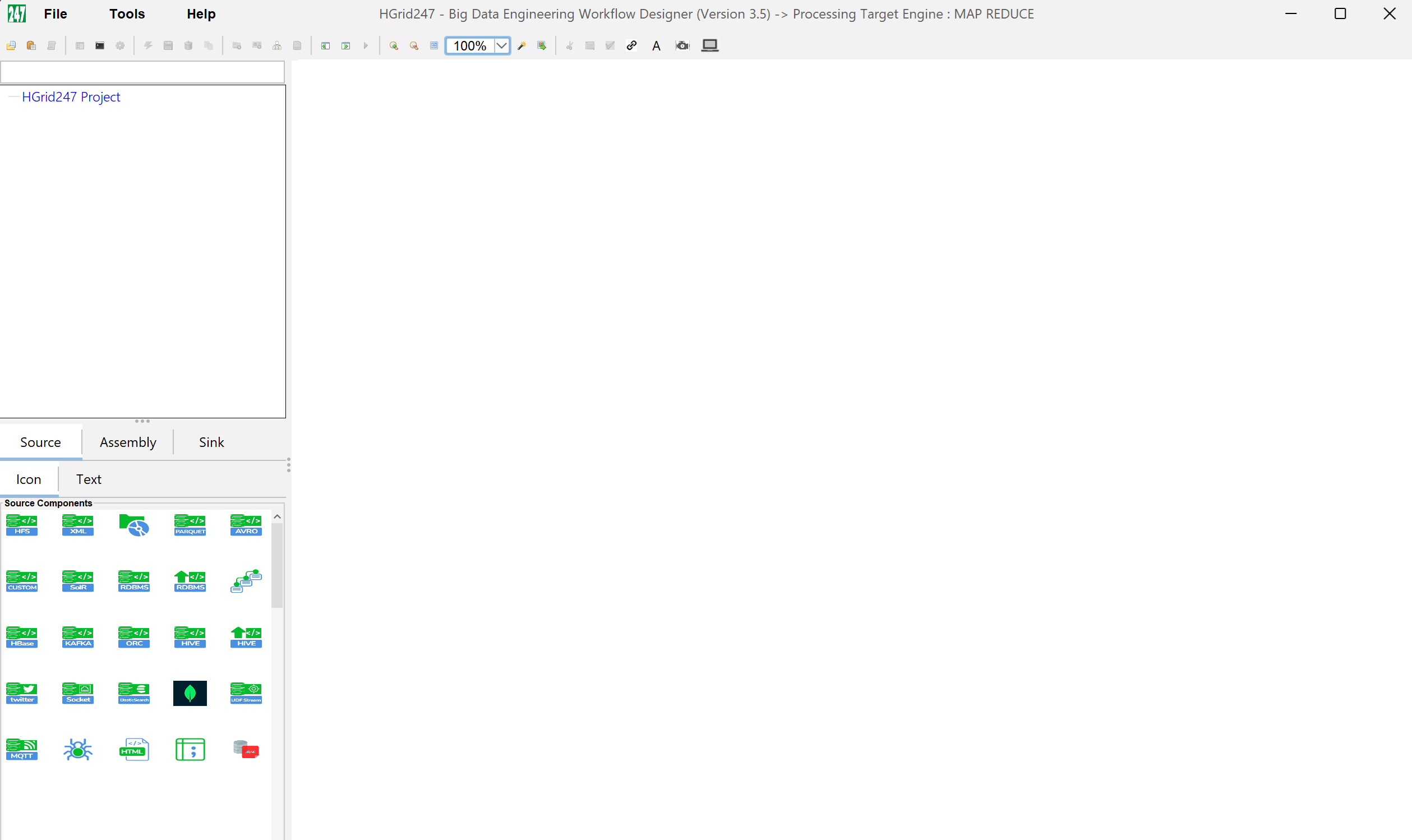
If successful, it will appear:
- HGrid247 application GUI
- Workspace for creating workflows
- Menus such as:
- File
- Workflow
- Generate
⚠️ License problem
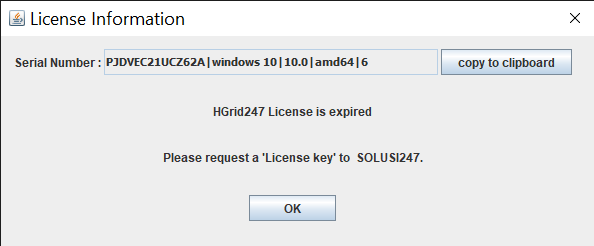
If there is a licensing problem with HGrid247 , an error dialog will appear like:
- license expired
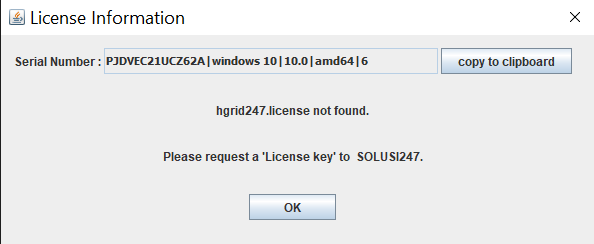
- invalid license
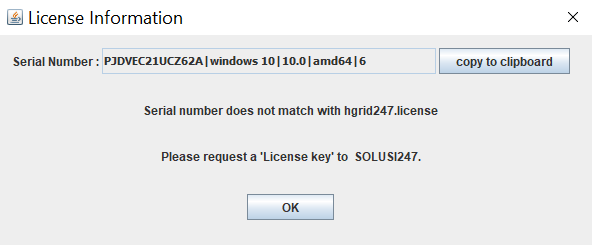
- license not found
🔧 How to Overcome
Send email to:pdo@solusi247.comInclude:📌 The vendor will send a new license file.
- Serial Number
- (usually appears in the error dialog)
🧠 Important Tips
- Make sure:
- using JDK (not JRE)
- JAVA_HOME is correct
- Run from CMD/Terminal if you want to see the error details
- Make sure the Java version is compatible with the Apache Hadoop cluster.