This feature is very helpful for HGrid247 integration with Hadoop/Hive data warehouse.
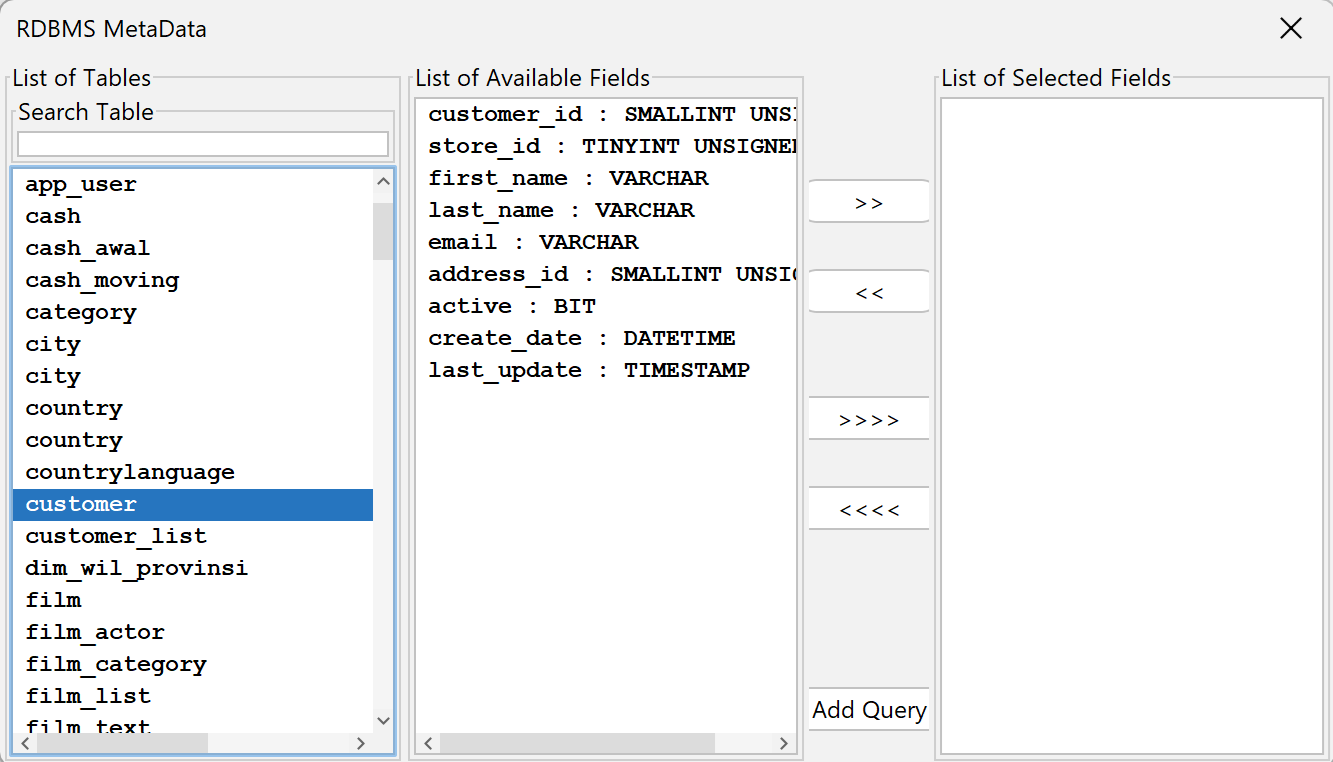
1. MySQL 8.0.40
    Parameter           Value
    -------------------------------------------------------
    JDBC Driver Class   com.mysql.cj.jdbc.Driver
    URL Connection      jdbc:mysql://localhost:3306/hgrid247
    User Name           root
    Password            *******
The JDBC driver used
mysql-connector-j-8.0.31.jar
Place this jar in:
    HGrid247-3.5/
        └── JDBCClient/
MySQL Metadata Viever
2. Postgres 42.7.7
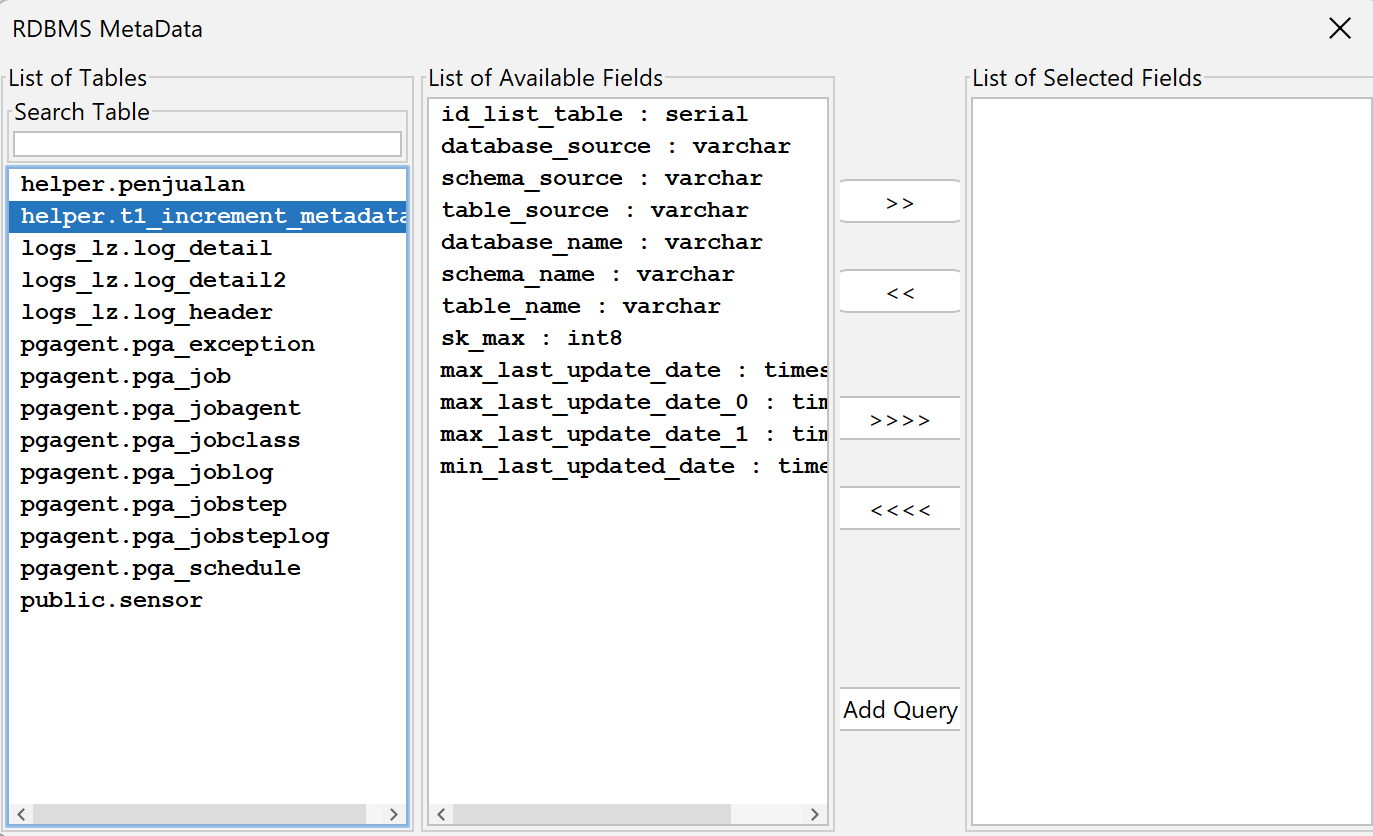
Parameter Setting
    Parameter           Value
    ----------------------------------------------------------------------
    JDBC Driver Class   org.postgresql.Driver
    URL Connection      jdbc:postgresql://localhost:5432/postgres
    User Name           postgres
    Password            ********
The JDBC driver used
postgresql-42.7.7.jar
Just like before, put this jar in the folder:
    HGrid247-3.5/
       └── JDBCClient/
Postgres Metadata Viever
📌 Required Folders for JDBC Driver
Make sure the JDBC driver is located at:
    HGrid247-3.5/
       └── JDBCClient/
If this folder does not exist or the jar is not found, then:
- RDBMS Metadata cannot read database
- Cannot load table
- Cannot create automatic query
✅ If the connection is successful
A dialog box will appear showing:
- Database successfully loaded
- Table successfully retrieved
- Fields can be selected
- Queries can be created automatically
