|
|
Run Workflow on Hadoop Cluster |
Before running a workflow on cluster, Hadoop Cluster Client Setting must be completed.
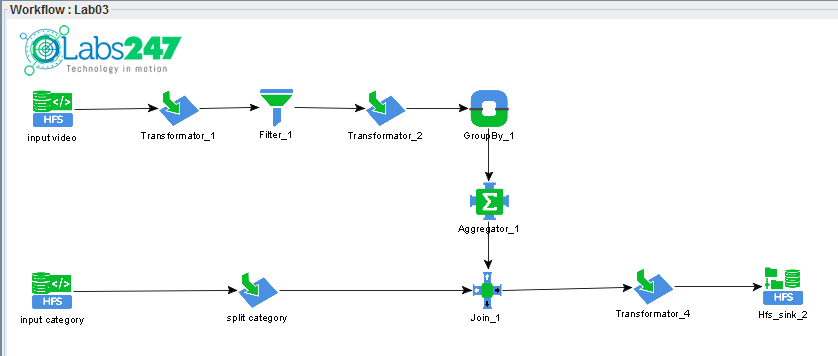
In this example workflow lab03 (here under) will be run on hadoop cluster.
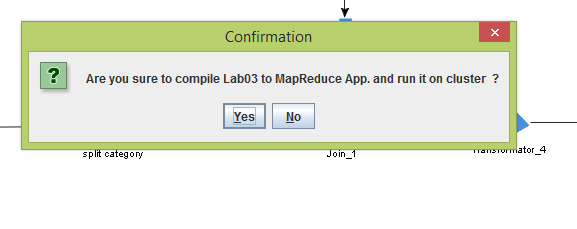
Running process will be started with Confirmation.
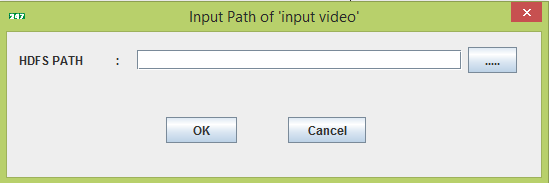
Then the input path of 'Input Video' will be asked.
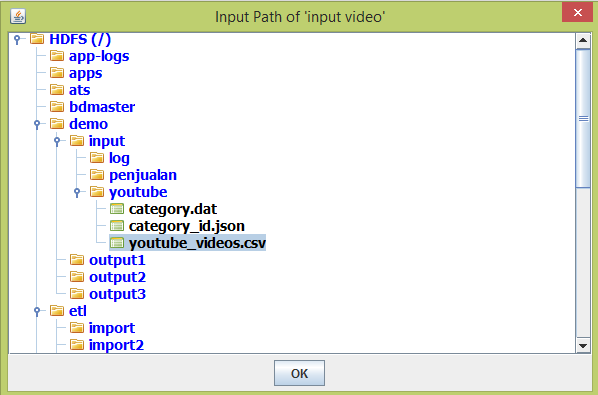
We can type the asked input path /demo/input/youtube/youtube_videos.csv , or browse HDFS by clicking button
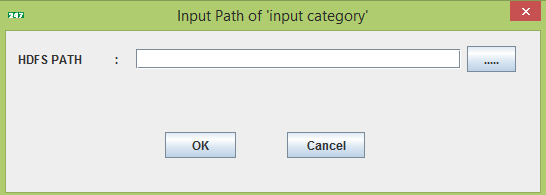
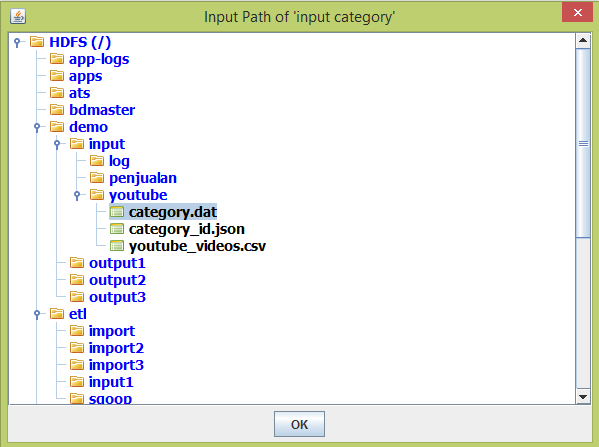
Then the input path of 'Input Category' will be asked.
We can type the asked input path /demo/input/youtube/category.dat , or browse HDFS by clicking button
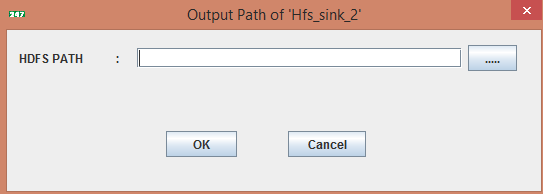
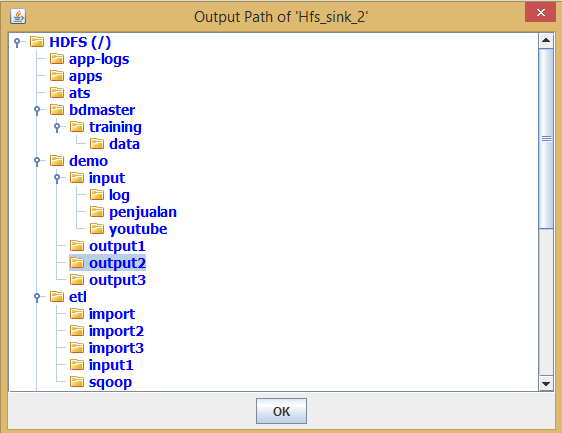
Then the output path of 'Hfs_sink_2' will be asked.
We can type the asked input path /demo/output2 , or browse HDFS by clicking button
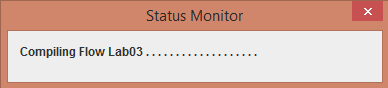
The next step is compiling and building the workflow (can be seen in Status Monitor).
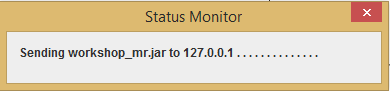
After compiling and building, the jar file will be sent to Hadoop Client (can be seen in Status Monitor).
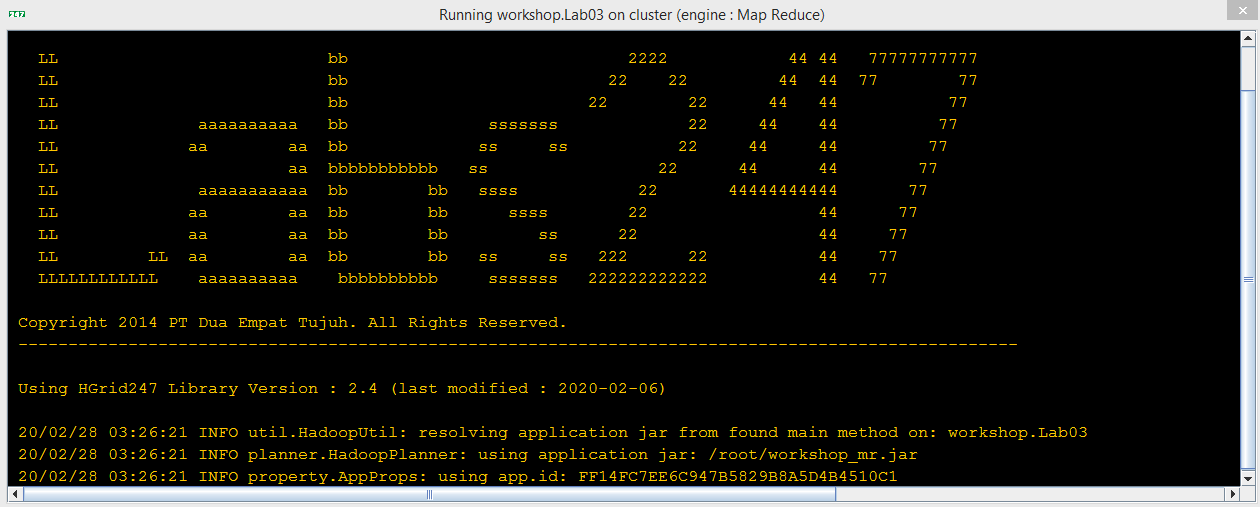
When sending process is completed, the workflow will be submitted to Hadoop cluster.
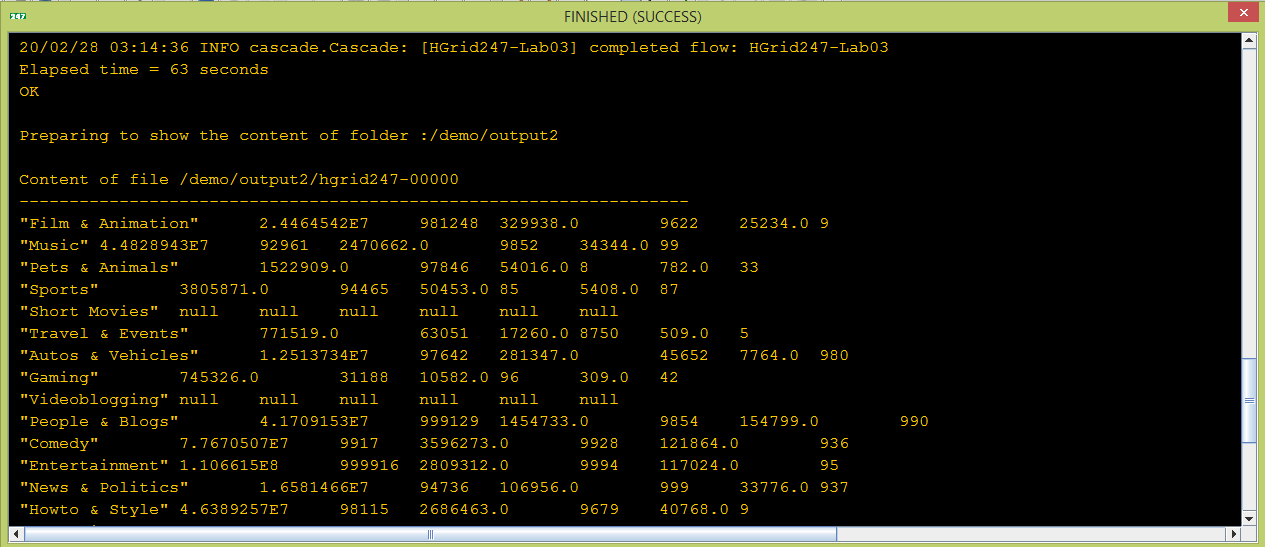
After job is finished, the output/result will be shown (Only in the Cluster Type : Development).